I’m looking to automate a workflow on my Mac that involves extracting information from web pages and feeding it into desktop applications. The basic flow would be:
Extract specific data from a website
Transfer this data to input fields in a native macOS application
Trigger certain actions within that application
I’m trying to figure out the best approach and which technologies to focus on learning. Should I go with Python scripting, use the built-in Automator app, learn AppleScript, or maybe combine multiple tools?
My current thinking is that I might need to:
Parse the web content to grab the relevant information
Store it temporarily somewhere accessible
Use some kind of UI automation to fill form fields
Execute the required application functions
I’ve seen similar automation projects where people use Python to read text files and automatically send messages in batches. I’m wondering if there’s a standard toolkit or recommended path for this type of Mac automation work. Any guidance on where to start would be really helpful.
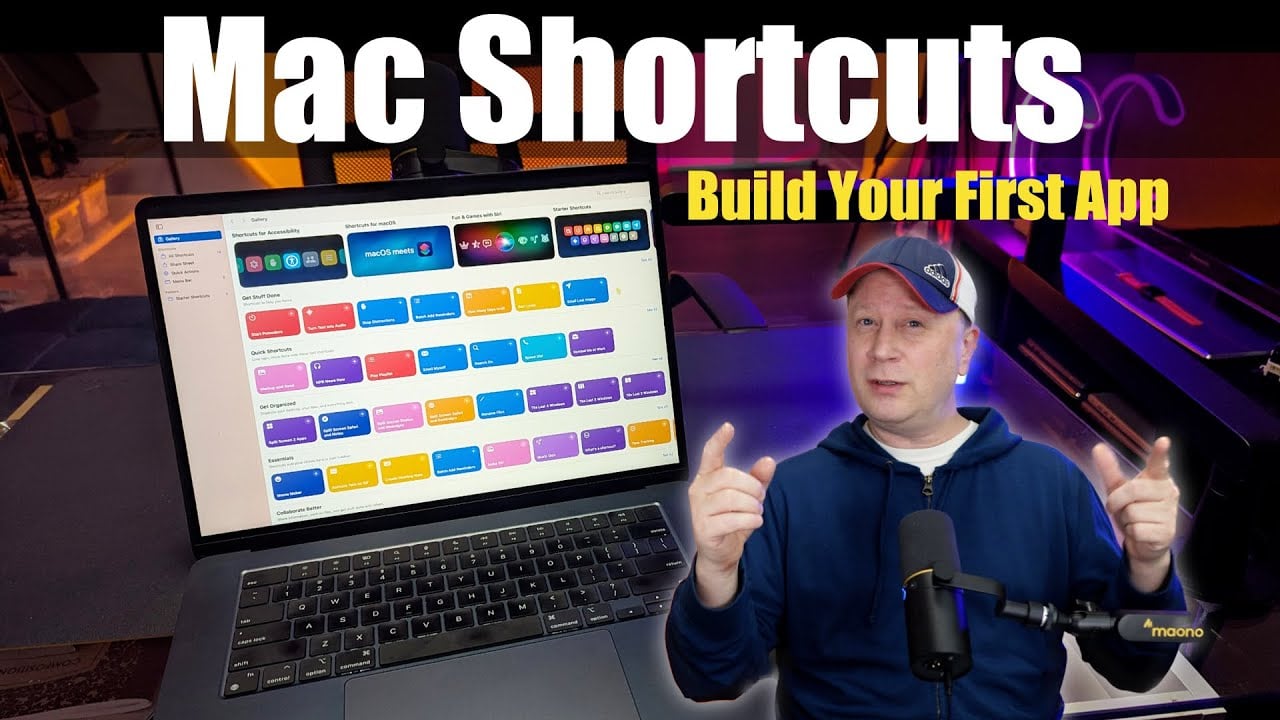
I’ve been doing Mac automation for years - the sweet spot is mixing Python with Shortcuts app. Most people miss this combo.
For web extraction, write a Python script using requests and BeautifulSoup. Save data to a temp file or print to stdout. Then create a Shortcuts workflow that runs your script and grabs the output.
Here’s where it gets good - Shortcuts pushes that data straight into Mac apps through their automation actions. No UI scripting for apps that support it. For stubborn apps, throw AppleScript into the same Shortcuts workflow.
I built something like this last year pulling Jira project data into our internal Mac tool. Python handles the messy web stuff, Shortcuts handles Mac integration. 30 minutes setup versus days with pure AppleScript.
Tip - use “Run Shell Script” in Shortcuts to call your Python script. Way easier debugging than embedded code.
Start simple with one data field and one target app. Once you see how smooth the handoff works, you’ll automate everything.
shortcuts app is seriously underrated for this. great for web scraping with the ‘get contents of url’ action, plus it connects to most Mac apps through share sheets or direct integrations. way simpler than applescript and you don’t need coding skills like you would with python.
I’ve built similar workflows for consulting clients. Start with Python for web scraping - Beautiful Soup or Selenium work great. Then bridge to macOS automation with PyAutoGUI or the newer accessibility APIs. You’ll get way more control than pure AppleScript, especially when web content changes constantly. I store extracted data as JSON first, then use Python’s subprocess module to call AppleScript snippets for app interactions. This hybrid approach has been rock solid across different macOS versions. Pure Automator workflows break every time apps update their interfaces. Yeah, there’s a learning curve upfront, but it’s worth it when you hit edge cases or need to scale things up.