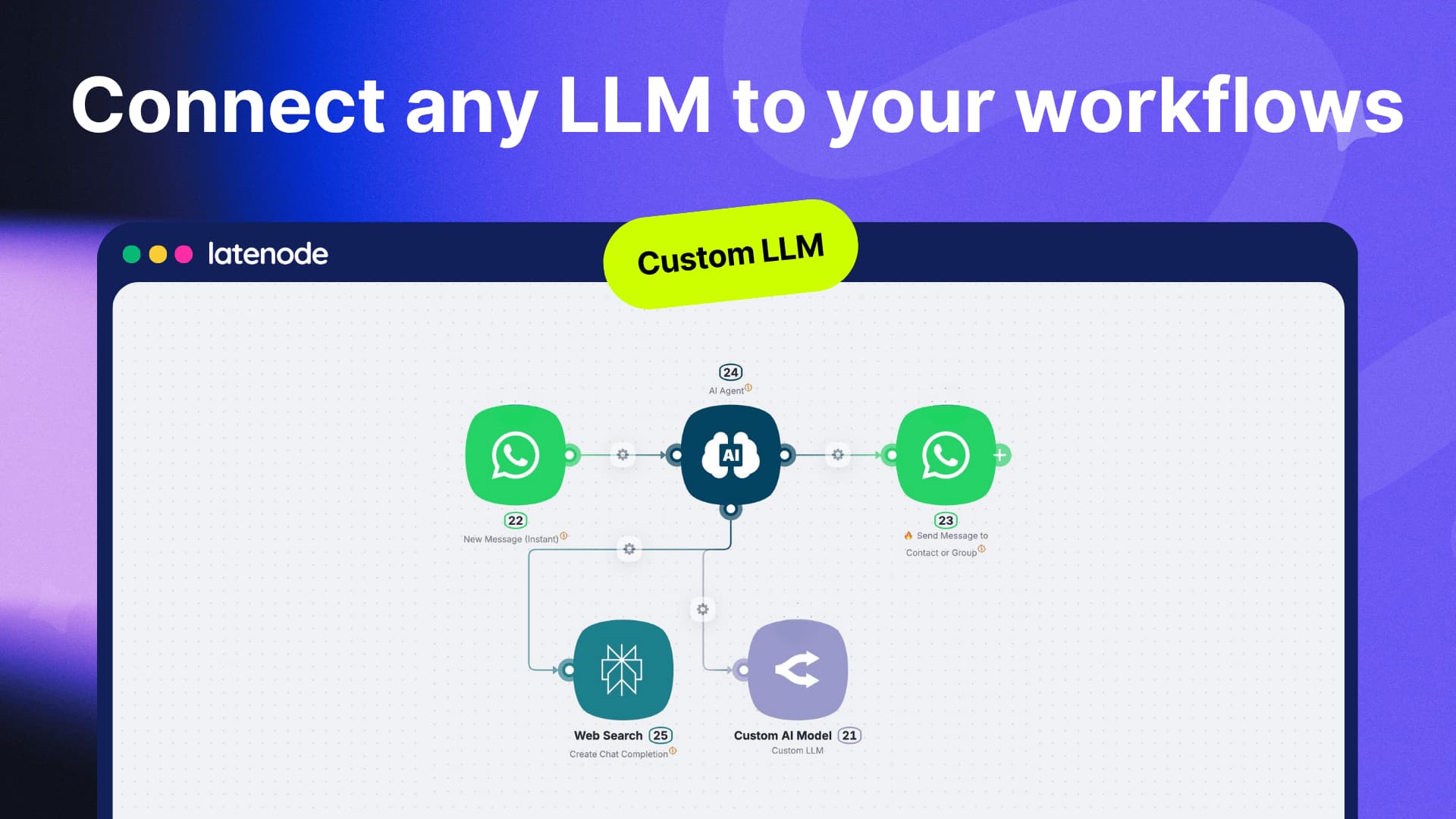
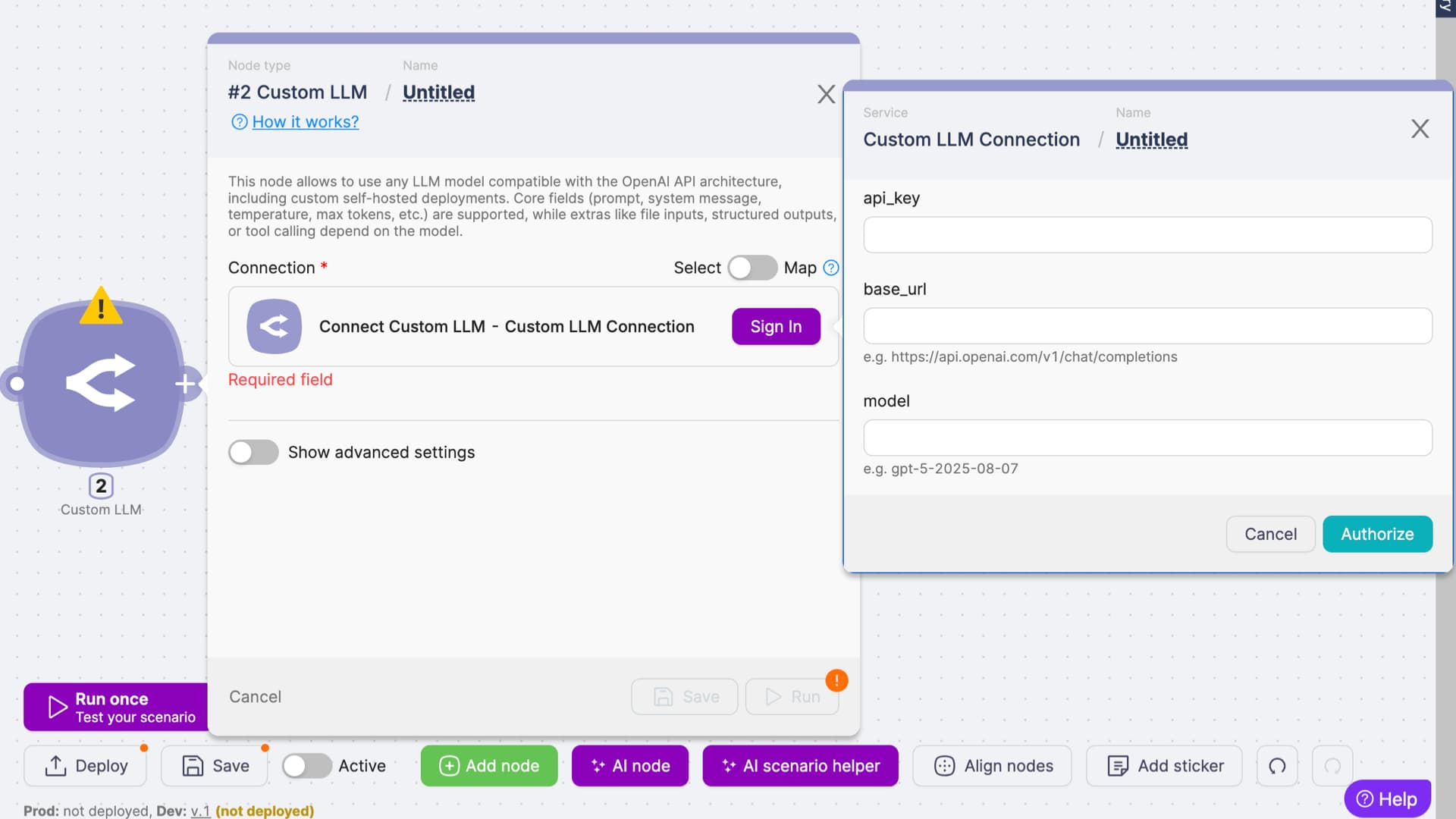
The Custom LLM Node allows you to connect any LLM that follows the OpenAI API architecture.
Whether it’s a self-hosted model, a private deployment behind your own domain, or a provider that mimics the OpenAI API spec - you can integrate it directly into your Latenode workflows.
Core fields such as prompt, system message, temperature, max tokens, and more are fully supported.
 Use Cases
-
Enterprise Security & Compliance
Run LLMs inside your own infrastructure to keep sensitive data in-house. -
Cost Optimization
Swap expensive APIs with optimized open-source or fine-tuned models deployed on your servers. -
Domain-Specific Models
Connect fine-tuned LLMs for legal, medical, financial, or niche industry tasks. -
Multi-Model Orchestration
Combine OpenAI, Anthropic, Mistral, and your own models in a single Latenode pipeline.
 Try ready-to-use AI Support Agent Template
We’ve prepared a ready-to-use template that shows how to plug in your own LLM and build an interactive workflow in minutes.
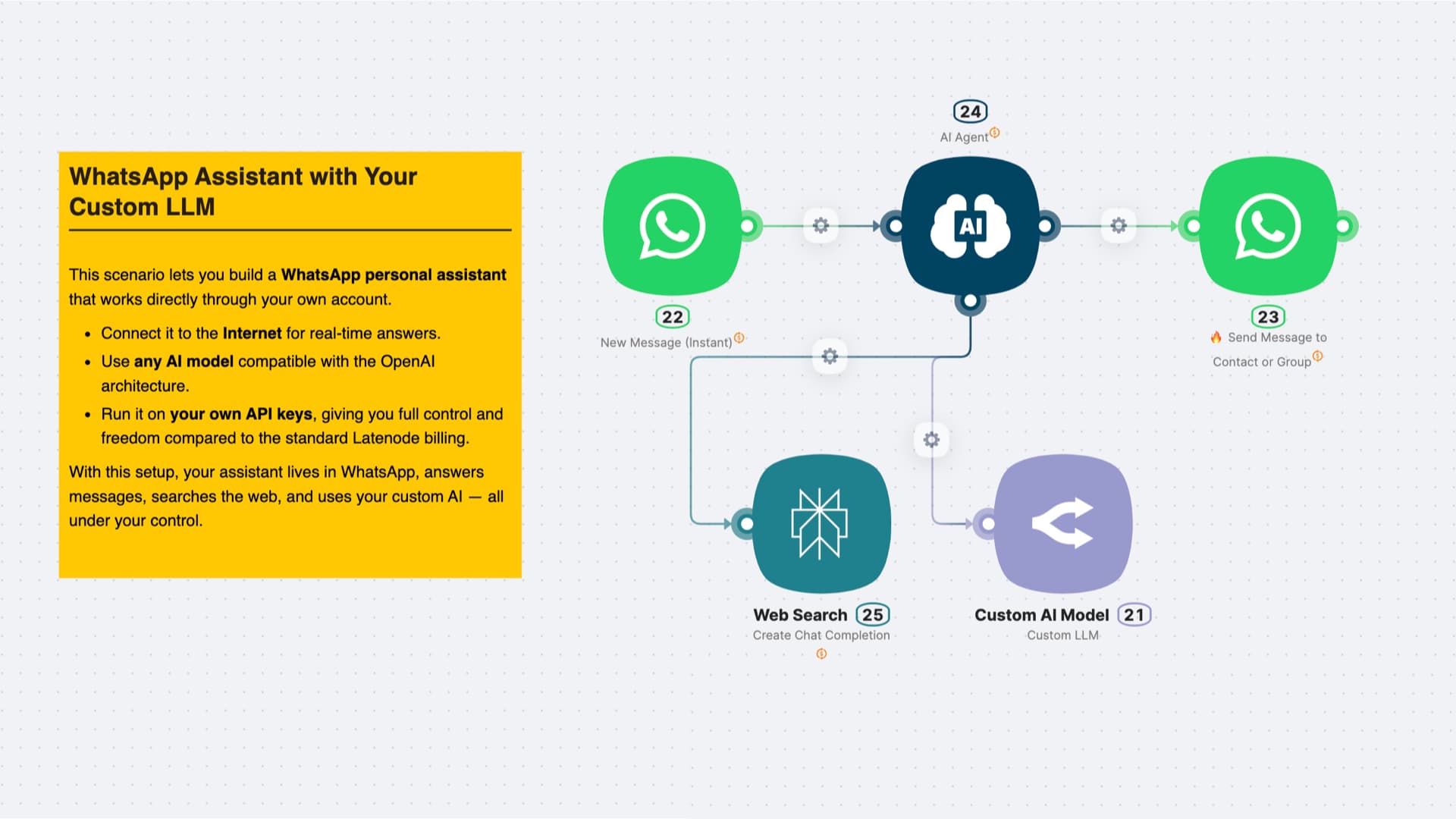
What’s inside the template?
- Input → User message via WhatsApp
- Automation → AI Agent with Custom LLM node and Web search
- Output → Response delivered back to the user
 Try the Template Now
 Watch the Demo
See how the Custom LLM Node works in practice: from connecting your endpoint to building an AI Support Agent in just a few minutes.
 Start Using Custom LLM Node Today
- Connect any LLM compatible with OpenAI API spec
- Securely manage your own API keys & domains
- Build custom AI pipelines with full flexibility