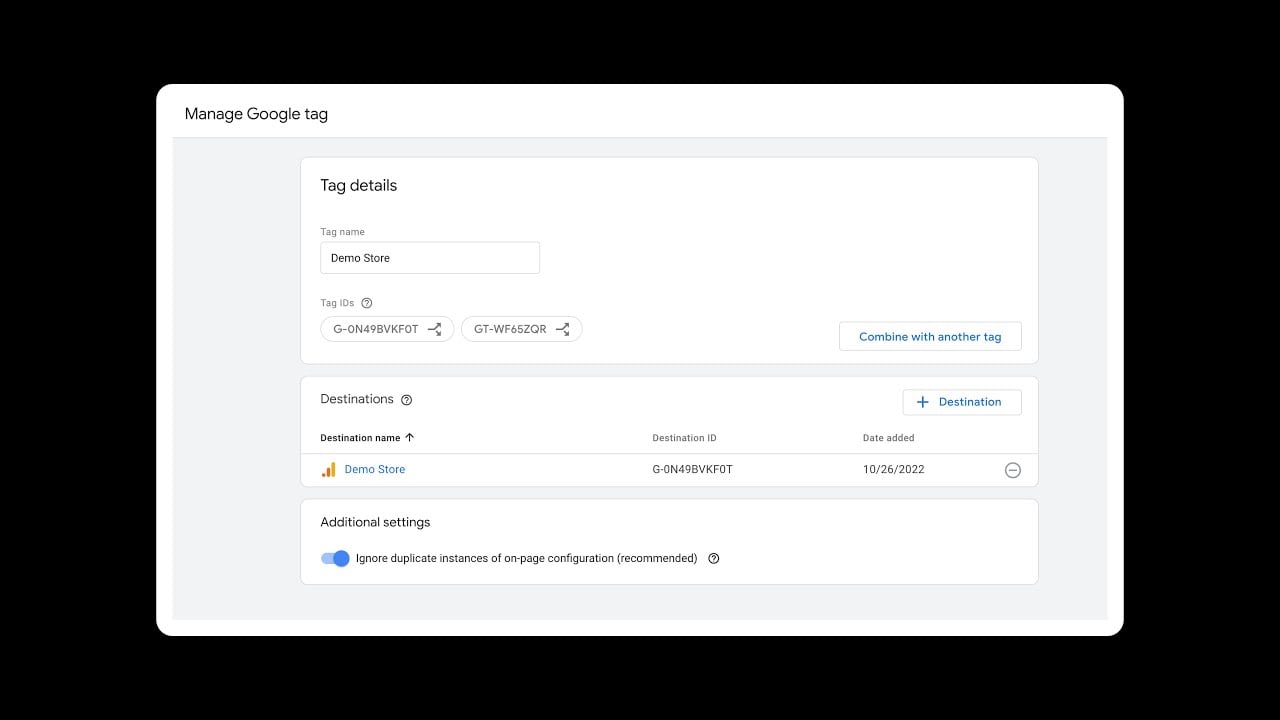
I have both Google Analytics 4 and Google Tag Manager installed on my site using their respective tracking codes.
When I check with Tag Assistant, I can see two different tags being triggered:
“Google Config” (coming from GTM)
“Page View” (from the direct GA4 implementation)
I’m worried about a few things:
Am I getting duplicate pageview data in my analytics dashboard because of this setup?
Do I need to delete the direct GA4 tracking code from my website header to prevent double counting, or can I keep both implementations running together?
Any advice on the best practice here would be great.
Been managing tracking setups for years and this drives me crazy every time I see it.
You’re creating duplicate data. Two pageview events per visit inflates your traffic numbers by 100%. Your conversion rates tank because the denominator’s wrong.
Here’s what I do - automate the cleanup instead of manually hunting through code.
I built a workflow that scans all our sites for duplicate tracking. It finds which tags are firing, compares data streams, and removes redundant code automatically. Takes 5 minutes instead of hours of manual checking.
The workflow also sets up proper GTM configurations and validates everything works before going live. No more broken tracking or lost data during migrations.
I use this same approach for all our tracking cleanup projects. Way more reliable than doing it manually and catching issues later.
Once you get the automation running, you can handle these situations in minutes instead of debugging for days.
Yeah, you’re right to worry about this. Same thing happened to me last year during a GA4 migration.
You’re firing two pageview events per page load - one from direct GA4 code, another from GTM. This doubles your pageview counts and screws up your metrics.
Simple fix: ditch the direct GA4 code in your site header. Keep GTM only. Pick one method and stick with it. GTM’s way more flexible for tag management anyway.
Before removing anything, verify your GTM container has the GA4 config tag with your measurement ID. Test in preview mode to confirm everything fires correctly.
After removing direct implementation, Tag Assistant should only show GTM tags. Your data will be much cleaner.
Here’s a good walkthrough of this exact issue:
Been through this headache before - keeping both implementations just creates more problems later.
Running both GA4 and GTM simultaneously can lead to duplicate pageview tracking. It’s advisable to eliminate the direct GA4 implementation from your site’s header to avoid sending redundant data, which can distort your analytics. Managing your tracking solely through GTM facilitates cleaner data collection and offers improved control over tags and events. After making changes, ensure to use Tag Assistant to confirm that only the GTM tags are firing correctly.
You’ve definitely encountered a common issue with tracking duplication. Having both the direct GA4 tracking code and the GTM implementation can lead to inflated pageview numbers in your analytics, which distorts your metrics. To resolve this, it’s best to remove the direct GA4 tracking code from your website header. Utilizing GTM alone will simplify your setup and provide better control over your tags. Before making any changes, ensure that the GA4 configuration tag in GTM is properly set up with your measurement ID, and consider testing in preview mode to verify everything is working correctly.
had this same problem a few months ago - for sure you’re getting double pageviews and it messes with your bounce rate. just go with GTM since it’s already all set up. get rid of that GA4 script in the header, way easier to manage everything from GTM.