I keep getting a 404 error whenever I try to use Vertex AI generative models through the Python SDK. No matter what I do, I always get this error when calling publisher models like gemini-1.0-pro.
The error looks like this:
404 Publisher Model projects/[my-project]/locations/us-central1/publishers/google/models/gemini-1.0-pro was not found or your project does not have access to it
What I already tried:
Double checked that Vertex AI API is turned on
Made sure my billing account is active and linked properly
Updated my gcloud auth credentials multiple times
Even created a completely new project to test
Same exact error happens on the new project too
My test projects:
Original project: gemini-cli-demo-465716
New test project: gemini-yeni-deneme
Since this happens on both old and brand new projects, I think there might be some account level restriction or policy blocking me. Has anyone else seen this kind of issue? I’m completely stuck and can’t access any of the publisher models at all.
Had this exact issue 6 months ago during our Vertex AI migration. Since it’s happening across projects, it’s definitely an org policy issue, not a config problem. Our Google Cloud org had domain restrictions blocking certain AI services. Check if your org admin set up AI/ML restrictions through Organization Policy Service. Also check your Vertex AI quotas - even with billing on, some accounts start with zero quota for generative models. You’ll find this in the quotas section of your console. What helped us troubleshoot was testing with a completely different Google account outside our org. If that works, you know it’s an org-level restriction that needs admin help to fix.
i totally get it, these 404 errors can be a pain! make sure your account’s got the right permissions for those models, and double check your region. sometimes models are limited to certain areas. hope you get it sorted!
Same thing happened to me last year when we rolled out Vertex AI. The 404 with publisher models is usually a service account permission issue or regional restrictions.
First, check your service account has “Vertex AI User” role, not just basic AI Platform roles. Make sure you’re using the right endpoint format in your SDK calls.
What actually fixed it for me - some Google Cloud accounts need allowlisting for certain publisher models, especially newer ones. You might need to contact Google Cloud support to get your org added.
Try switching to us-east1 instead of us-central1. Some models have weird availability patterns.
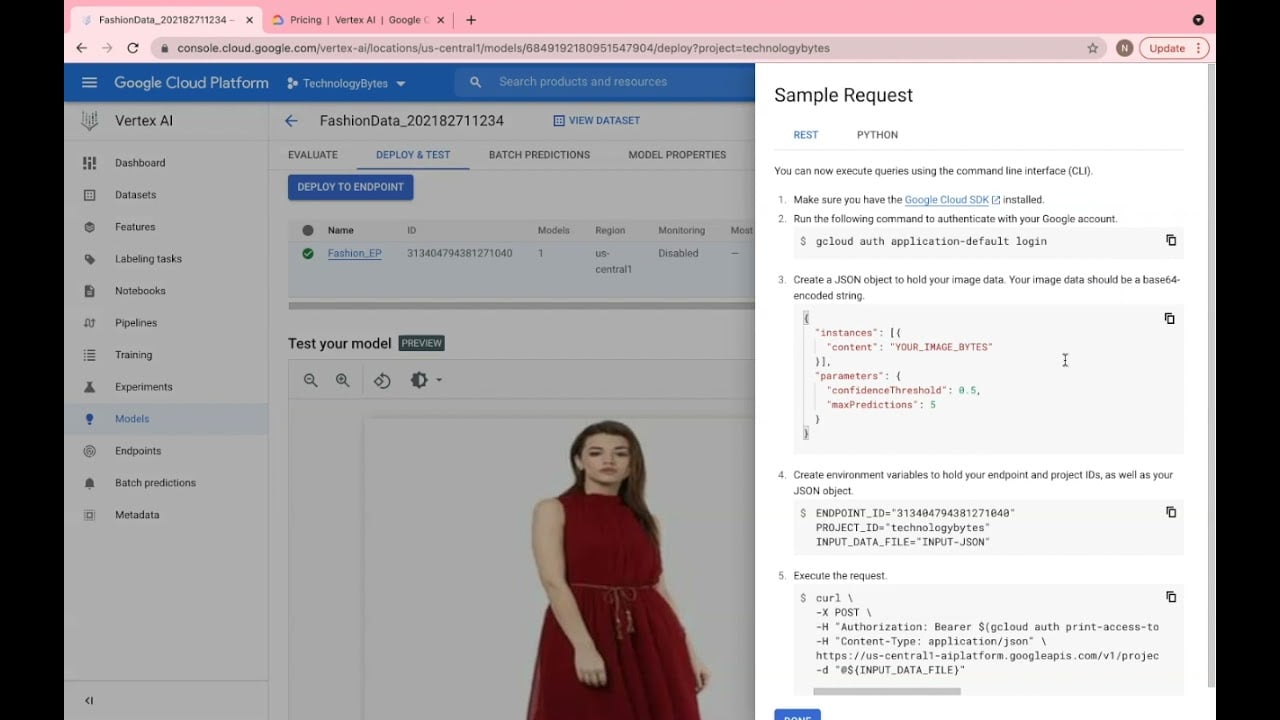
This video covers endpoint setup if you want to double check your config.
If that doesn’t work, try the REST API directly instead of Python SDK to see if you get a different error. Sometimes the SDK masks the real issue.