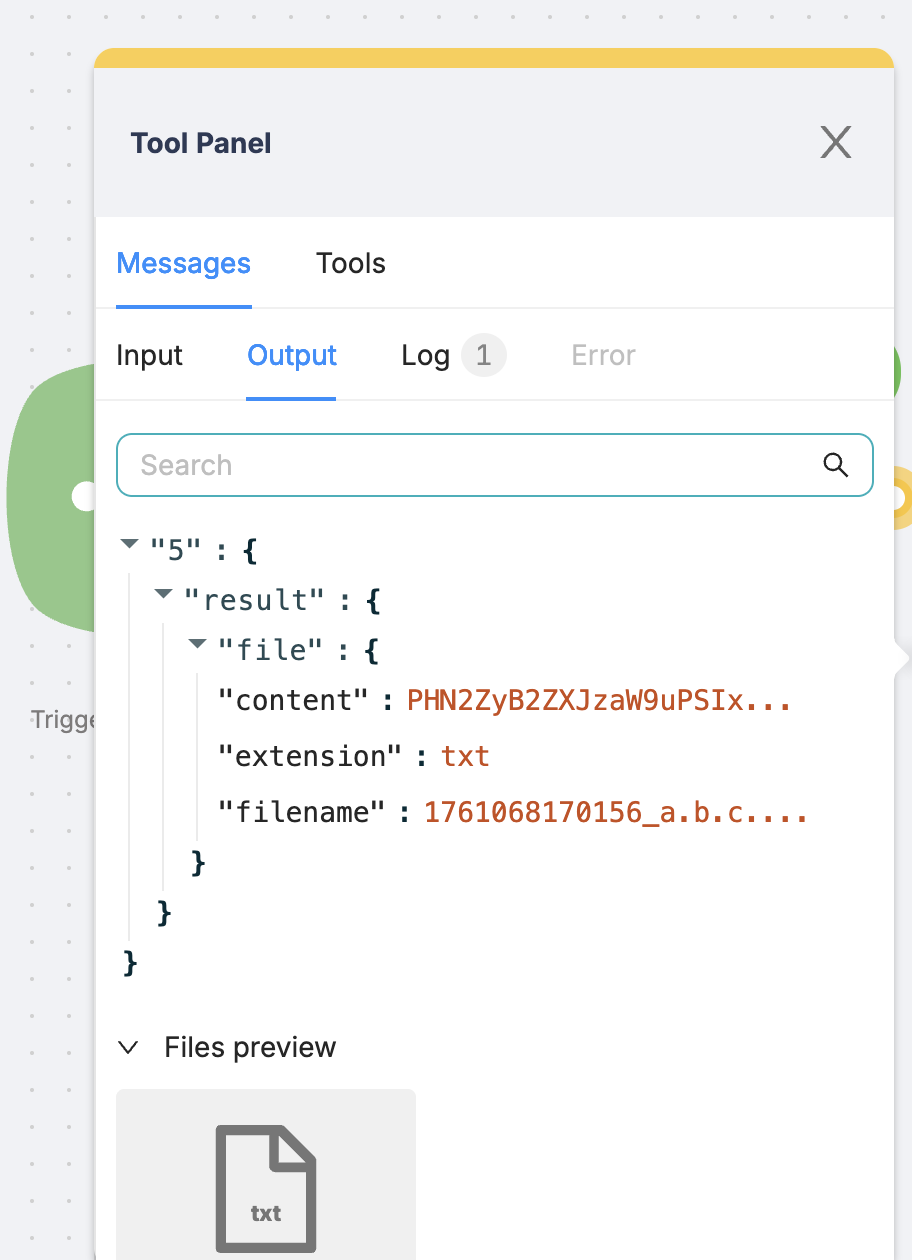
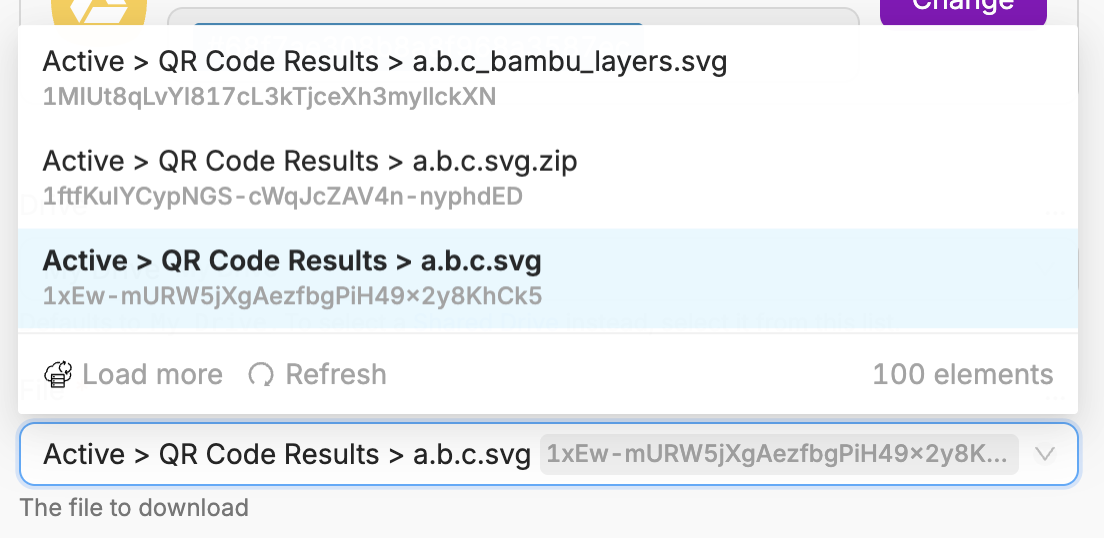
I am trying to access the content of an SVG file stored on Google Drive using the built-in ‘download file’ action; however, the JSON output for the file content is trimmed - this is despite the preview file feature correctly storing the full file content (as confirmed by downloading the preview file)
Please can someone investigate / or confirm what I’m doing wrong here, as there are no options available for varying the functionality of the action, so it appears I have no way to correct this issue.
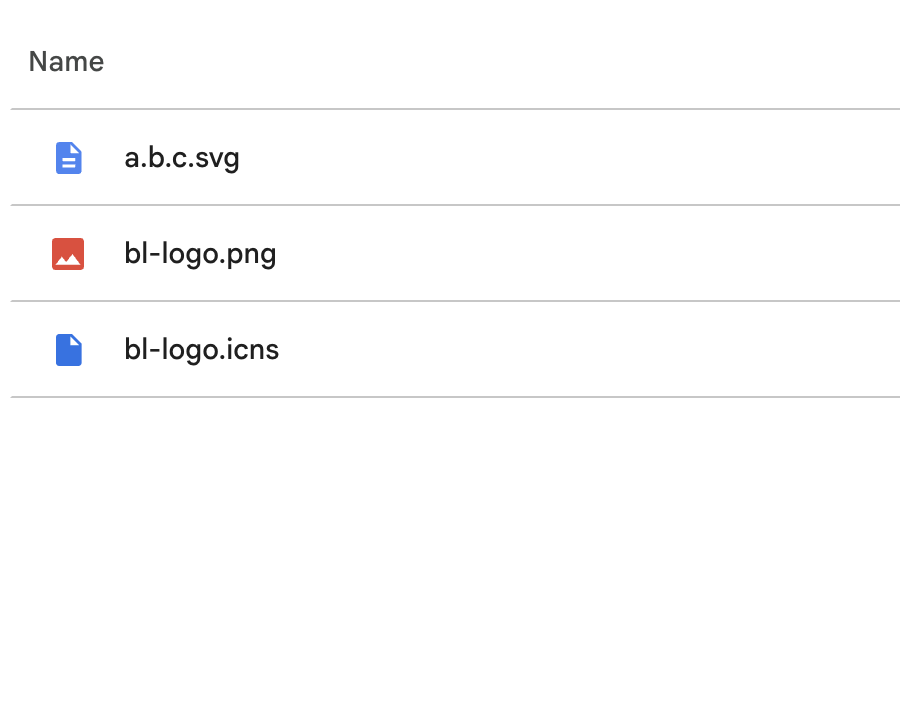
Additionally, the method is showing non-existent (deleted) files as being available, which should not be occurring.
Hello, You’re likely misunderstanding how to work with the file. The content of the “content” variable is merely a preview. However, if you pass the file to other nodes, the content will be complete.
You can find more detailed information about working with files here:
Please share what you want to achieve, and we’ll be happy to guide you on the best way to implement it.
Regarding the display of deleted files in Google Drive, this is the standard method for selecting files for download through the Google Drive API. I will pass this feedback on to the developers so that they can exclude deleted files; this will be an additional parameter in the request.
It sounds like the issue might be with how the “download file” action handles binary or text-based files like SVGs — it often truncates larger content. You could try using the Google Drive API directly or the “Get file content (base64)” method if available, which usually returns the full file. The ghost file entries might be due to cached metadata, so refreshing or re-syncing the file list could help.