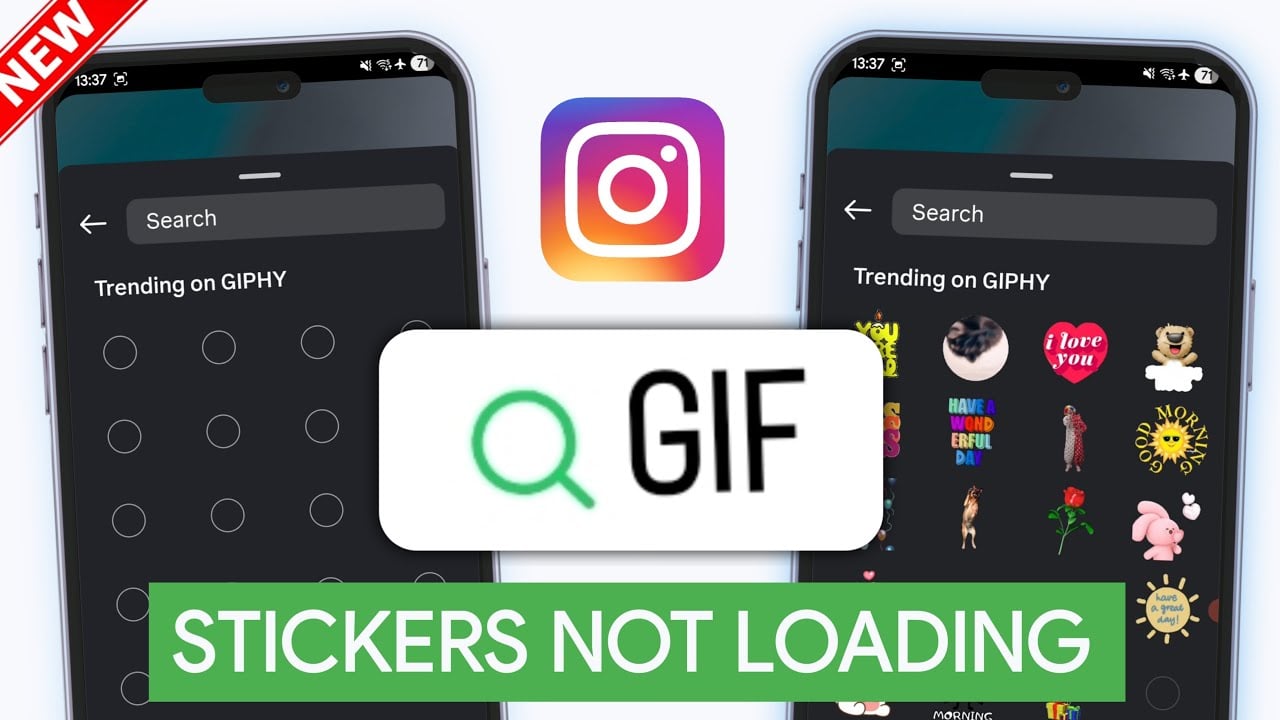
I’m having trouble with my Instagram stories and I can’t figure out what’s going wrong. When I try to add GIFs from Giphy to my stories, nothing shows up at all. The feature seems to be completely broken for me. I’ve tried closing and reopening the app multiple times but that didn’t help. I also checked if there were any app updates available and installed the latest version, but the problem is still there. Has anyone else experienced this issue before? I really want to add some fun animations to my stories but I can’t access any GIFs right now. Are there any troubleshooting steps I should try or settings I might need to check? Any help would be really appreciated because this is super frustrating.
Same thing happened to me six months ago - drove me nuts for weeks. Check your Instagram privacy settings, specifically third-party app permissions. Go to Settings > Privacy > Apps and Websites and make sure Instagram can access external content. Updates sometimes reset these without telling you. If you’re using a VPN, turn it off when adding GIFs. Giphy gets blocked with certain VPN servers. Instagram won’t even give you an error - it just pretends the feature doesn’t exist. Try airplane mode first, then reconnect. Sometimes forcing a fresh connection fixes the Giphy server communication.
omg i had the same issue! try loggin out and then back in, that worked for me. also check your internet connection, giphy needs good wifi to show up right.
Same thing happened to me two months ago - turned out to be a regional restriction. Instagram randomly disables features in certain areas because of licensing deals with Giphy. I fixed it by clearing Instagram’s cache completely. Don’t just close the app - go into your phone settings and wipe all stored data for Instagram. You’ll have to log back in, but it forces the app to refresh its permissions. If that doesn’t work, try switching to mobile data instead of wifi when you use the GIF feature. Some internet providers block the networks Giphy uses.
Had this exact problem last year while working on Instagram integrations. Usually it’s Instagram’s content filtering getting stuck.
First - check if you can see GIFs in other people’s stories. If not, your account’s probably flagged by spam detection. Happens way more than you’d think.
Hit up your Instagram settings and find “Sensitive Content Control” - don’t let it sit on “Limit” because that blocks Giphy stuff too. Instagram never mentions this.
Try searching for something basic like “hello” in the GIF search. Nothing shows up? The Giphy API connection’s broken on your account. Delete Instagram completely and reinstall it. Clearing cache won’t touch API permission problems.
This fix worked for tons of users when basic stuff failed:
Still broken after all that? Wait 24-48 hours. Instagram randomly disables features during backend updates.
I’ve been in a similar spot, and using a private instagram viewer helped me check posts and stories without logging in or pinging anyone. I liked that it ran right in my browser and didn’t ask for any details. It was handy for quick profile checks and saved me from making a burner account just to peek at something.