Hey team,
Is it possible to use the iterator node as a looping wait type node? As in it gets triggered, it checks a value, if the value is true then complete iterator and move to the next node. If the value is false. Wait node. Then check again. If value is still false, keep waiting, but if the value is now true then progress forward.
I appreciate I could probs just do this in a JS node but was hoping to use the wait node because then I think that wait time isn’t counted as part of the run time of the scenario and I’m guessing the JS node has a max run time?
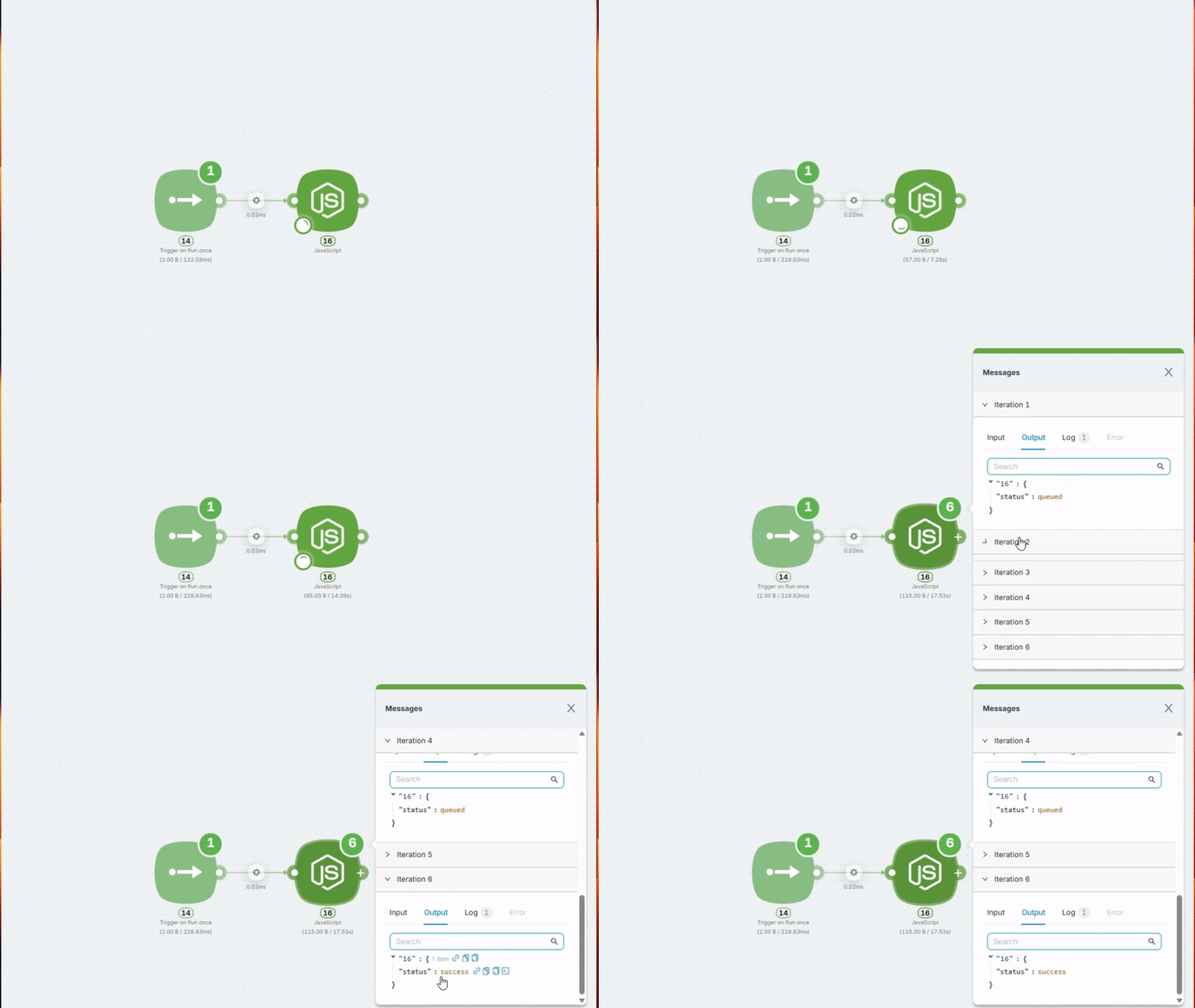
Recently, we released new functionality for error handling and for polling endpoints until the required result is received. It works in any Action node.
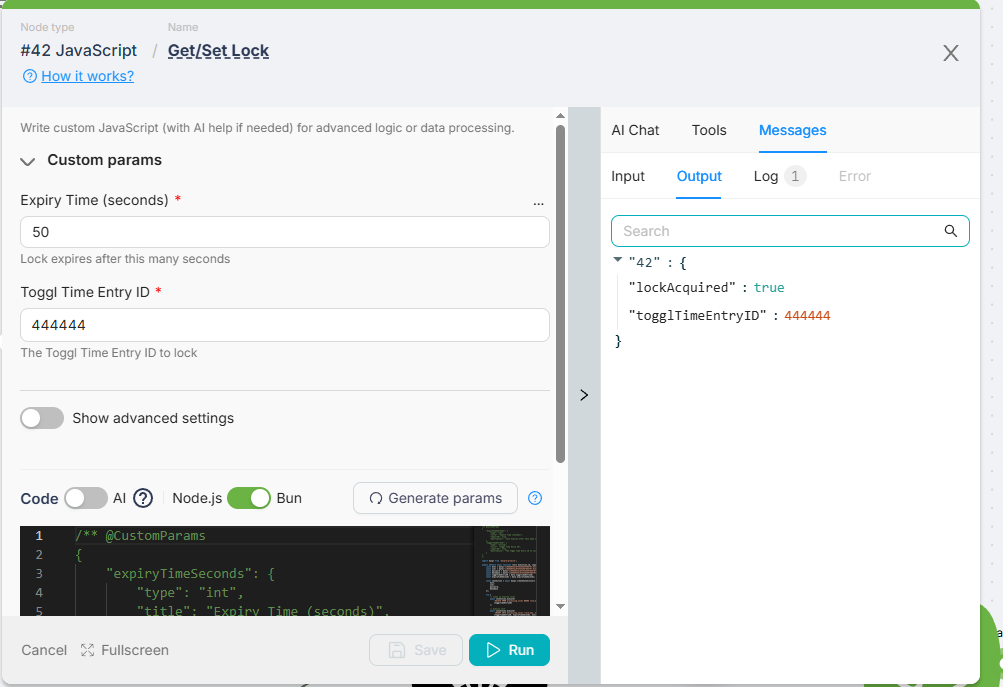
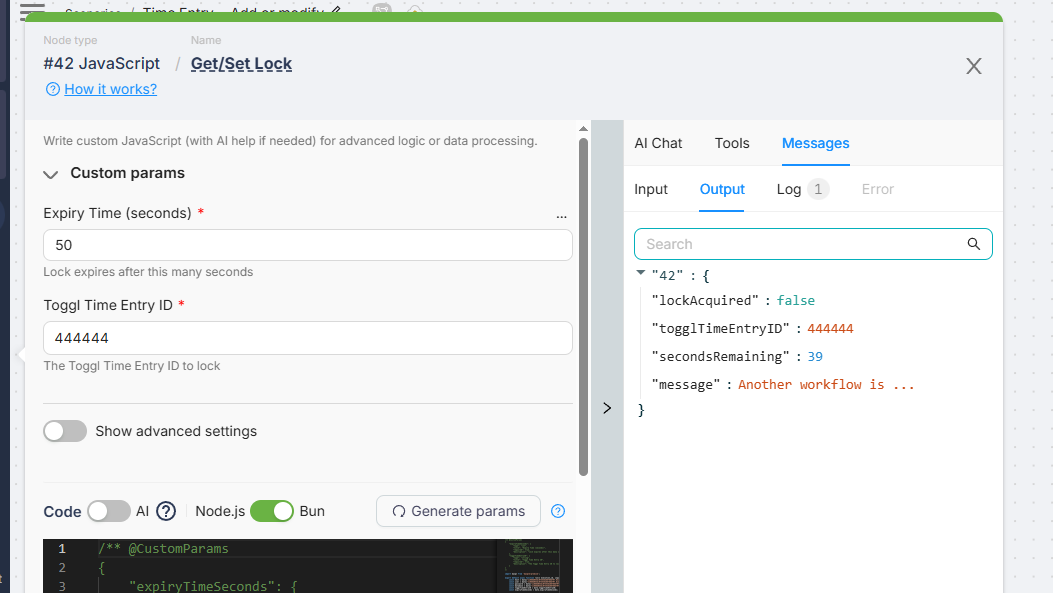
I have a JS node that sets the lock in an SQL database for a specific toggl ID that is syncing from the webhook. If that node returns lockAquired as true then I’d continue the path. If it returns as false that means there is already a lock for that ID in the database. Then I’d want it to wait for 10 seconds, and run that JS again. Continually looping until the lock is gone (the JS script has an auto cleanup incase a lock has been there longer than a minute it assumes it errored.
I could probs do it with a web hook node that linked back to the start of the check chain, but I’d rather not if possible because then I’d have heaps of runs if it did that every 10 seconds.
Looks like you can do this like this: setVariable (e.g., “should-stop”) when you meet the ending condition in your DB.
Add a filter in the top iterator route (if “should-stop” equals null).
Pass to the iterator any array with, as an example, 10 elements — so it will do 10 iterations max, while it doesn’t meet the filter condition.
Btw, could you share a more high-level description of why you need this and what you’re trying to achieve? Are you trying to prevent a race condition or something else?
Yeah it’s a race condition. I have a web hook from Toggl for time entries/changes and deletions. But someones someone will create a time entry, and modify it pretty quickly right after (ie create the time entry then add a description, or drag the duration etc). That’s creating duplicate entries in the database. I created a basic wait queue thing, but then it meant that sometimes it could be waiting for 2 to 3 minutes because it was applying it to the whole queue. Now I’m trying something different with the lock thing. Another issue is sometimes if their server (toggl) is taking a hammering I’ve noticed they’ll delay the send for a second or two and send a bunch together.
So just to clarify what will make the iterator stop when I need it? With the filter idea - I’d put into the data to iterate field something like
if(shouldStop equals null)(array with 10 elements)
Then if shouldStop is no longer null then it’ll return blank into the iterator so it no longer has anythnig to iterate on and continues with it’s work. Is that correct? That is where you’re thinking the filter would be?
I was originally thinking of doing it with the data storage instead of an external SQL database but I don’t know if there is a way to allow a primary key. Atm with SQL I can try to insert it into the table with a primary key on the toggl ID, and if it’s already in there it fails so I know there is already a value in there as an upsert kinda thing.
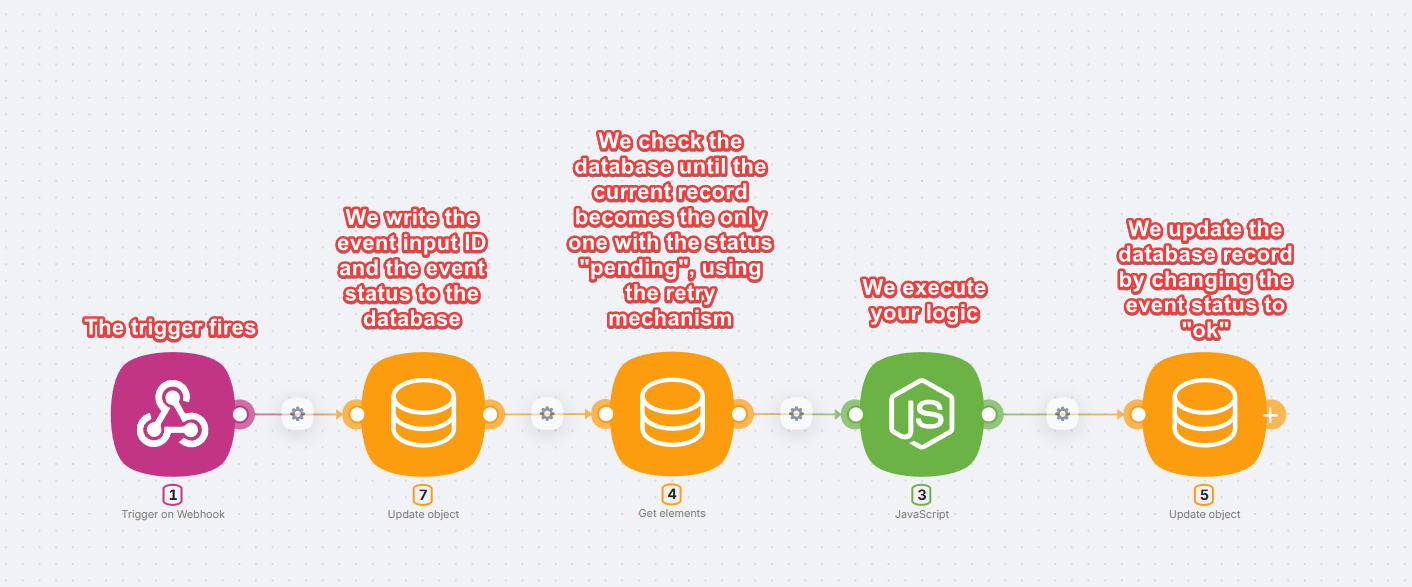
We write the event ID to the database and set its status to “pending”.
We then read from the database and, using retry with around 20-30 attempts and a 2-3 second interval https://documentation.latenode.com/visual-builder/error-handling
continue polling until the current record ID becomes the first in the queue among records with the status “pending”, based on the selected sorting criteria, such as creation time or an auto-increment ID.
Once the condition is met, we execute the main processing logic. The JS node is just an example - it can be any logic.
After successful execution, we update the database record and change the event status to “ok”, so that subsequent runs ignore it and proceed to the next records with the status “pending”, if any exist.
So the record should not become the only or the last one. It should become the first in the queue among pending records. That is what ensures serialization.
This way, each run waits for its turn, and new events are simply added to the end of the queue with the status “pending”.
In this example, node 4 - the database polling step - would likely be better implemented as a JavaScript node, since it is easier to adapt to your needs and allows you to retrieve the exact pending record required according to your ordering logic.