I’m working on adding MapQuest’s route calculation feature to my application. The problem is that when I send coordinates to get directions, the API gives me route points that don’t match what I expect. Here’s my POST request to their endpoint:
{
    "waypoints": [
        {
            "coordinates": {
                "latitude": 35.68951234,
                "longitude": 139.69171245
            }
        },
        {
            "coordinates": {
                "latitude": 35.68234567,
                "longitude": 139.67892341
            }
        }
    ],
    "settings": {
        "restrictions": [],
        "skipTimedLimits": false,
        "reverseGeocode": false,
        "detailedSteps": true,
        "simplification": 0,
        "outputFormat": "text",
        "pathType": "fastest",
        "coordinateFormat": "raw",
        "measurement": "km"
    }
}
The response I get back has coordinates in the navigation steps that seem off from my original input points. When I plot these on a map, the route doesn’t start and end where I specified. I tried adjusting the simplification setting but that didn’t fix it. This worked fine about a month ago with the same coordinates. Has anyone else seen this behavior? What settings might I be missing to get accurate route points?
MapQuest’s API quirks are exactly why I ditched manual mapping services. Those coordinate snapping issues happen because their road network data updates and the snapping algorithms change.
Instead of debugging API versions and tweaking parameters, I built a Latenode workflow that handles this automatically. It takes my coordinate pairs, hits multiple routing services (MapQuest, Google, OpenRoute), compares results, and picks the most accurate one based on distance variance from my original points.
The workflow has fallback logic too. If MapQuest returns wonky coordinates like you’re seeing, it switches to the backup service and logs the issue for me to review later.
Took 20 minutes to set up and now I never worry about routing API changes breaking my app. The visual workflow builder makes it easy to add validation steps and coordinate accuracy checks.
You can build something similar here: https://latenode.com
Had the same problem with MapQuest’s routing API a few weeks ago. It’s how they handle coordinate precision and snap to roads. Your high-precision coordinates get snapped to the nearest routable segments, which can be way off from your original points - especially in dense areas like Tokyo. Try setting “coordinateFormat” to “decimal” instead of “raw” and add “snapToClosestRoad” set to true. MapQuest also just updated their routing algorithm, so that’s probably why it worked fine a month ago but doesn’t now. The new system’s more aggressive about finding optimal routing points instead of sticking close to your input coordinates.
This usually happens when MapQuest updates their road network data. I ran into the same coordinate drift with their API last year. It’s not your settings - it’s how MapQuest matches waypoints internally. Try adding a small radius tolerance by setting “avoidanceRadius” to something like 50 meters. Also switch “pathType” from “fastest” to “shortest” temporarily and see if the routing engine acts differently. MapQuest’s coordinate matching varies a lot between their routing algorithms. If it’s still broken, add coordinate validation on your end - check if the returned route’s start and end points are within an acceptable distance from your original coordinates.
check your api version - mapquest changed their endpoint recently and the old v1 routing gives wonky results now. remove “reverseGeocode”: false too since that messes with coordinate matching. i switched to v2 last week and routes are way more accurate.
Been dealing with MapQuest’s routing quirks for years in production. This coordinate drift is classic MapQuest behavior when they update their road graph data.
Your “simplification” setting at 0 is the real problem. MapQuest handles this backwards - it makes route matching less precise, not more. Bump it to 5 or 10.
Drop “detailedSteps”: true for now. MapQuest recalculates intermediate points when generating detailed turns, which shifts your start/end coordinates.
Had the same issue last quarter - delivery routes started drifting after a MapQuest update. Fixed it with coordinate validation middleware that compares returned endpoints against original inputs and flags anything over 100m variance.
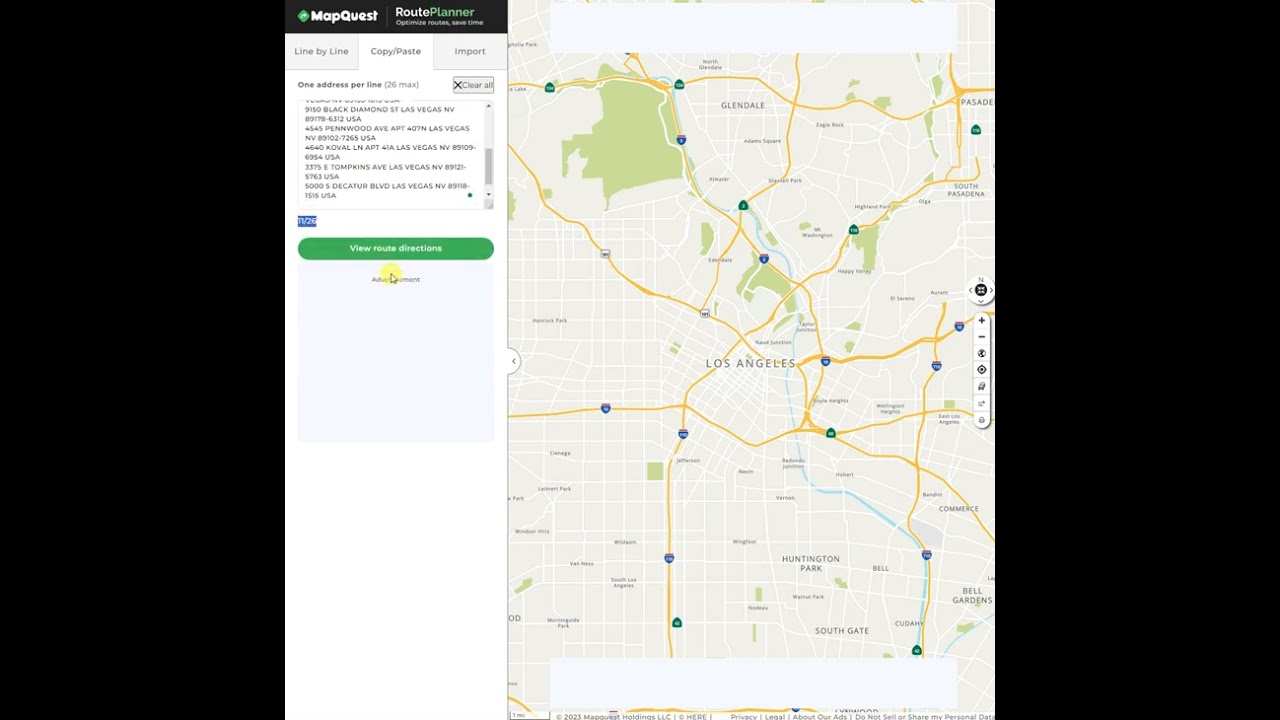
This video covers route planning with coordinate handling that’ll help debug your mapping flow:
If drift keeps happening, try reverse geocoding your coordinates first, then use those cleaned coordinates for routing. MapQuest handles geocoded addresses way better than raw lat/lng pairs.