I’m trying to set up a scheduled script on my Ubuntu machine that pulls the top 15 most popular pages from our website using the Google Analytics Data API through gcloud.
What I’ve done so far:
Installed Google Cloud CLI on Ubuntu 22.04
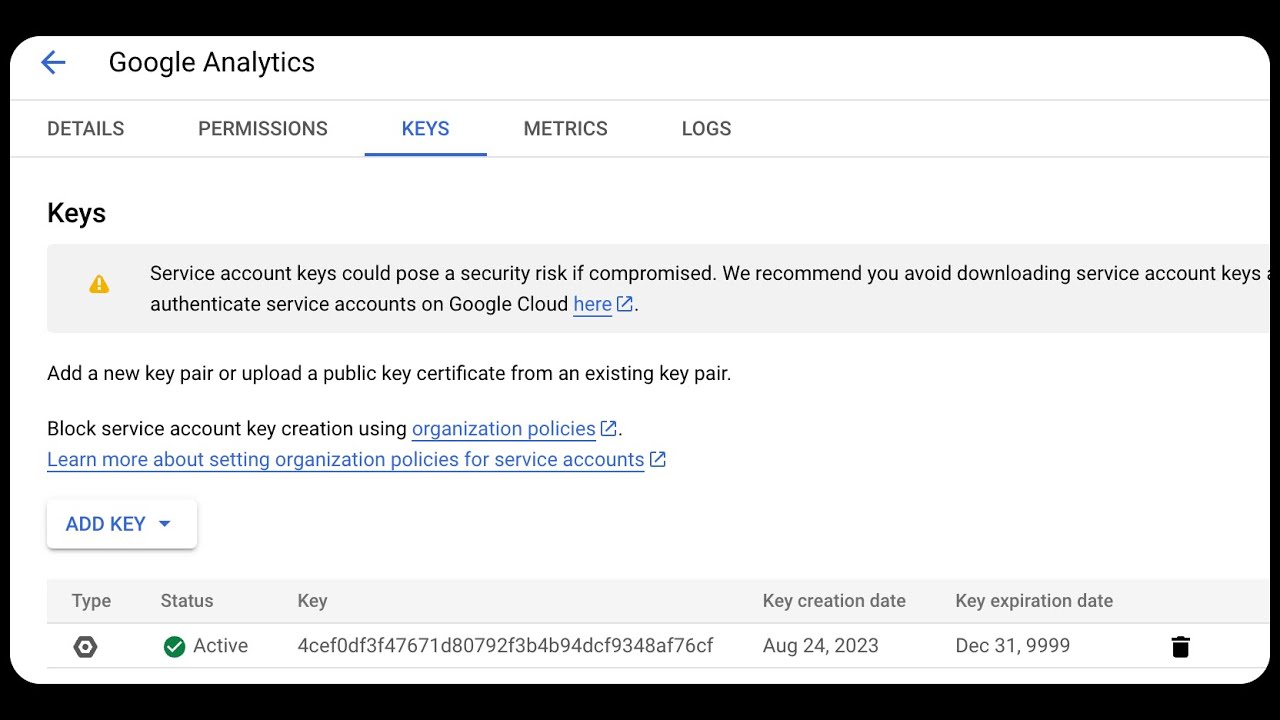
Created a service account in Google Cloud Console with generated credentials file
Added the service account email as a user in Google Analytics with viewer permissions
My current script looks like this:
#!/bin/bash

# Configuration
export CREDENTIALS_FILE="/opt/scripts/ga-service-key.json"
export GA_PROPERTY_ID="445789123"

# Login with service account
gcloud auth activate-service-account --key-file=$CREDENTIALS_FILE

# Retrieve token
TOKEN=$(gcloud auth print-access-token)

# Query Analytics API for page data from last day
curl -X POST \
  "https://analyticsdata.googleapis.com/v1beta/properties/$GA_PROPERTY_ID:runReport" \
  -H "Authorization: Bearer $TOKEN" \
  -H "Content-Type: application/json" \
  -d '{
        "dateRanges": [
          {
            "startDate": "7daysAgo",
            "endDate": "yesterday"
          }
        ],
        "dimensions": [
          {
            "name": "pagePath"
          }
        ],
        "metrics": [
          {
            "name": "activeUsers"
          }
        ],
        "limit": 15
      }'
The authentication step works fine, but when I run the full script I get a 403 error saying “Request had insufficient authentication scopes” with code ACCESS_TOKEN_SCOPE_INSUFFICIENT.
What am I missing in terms of service account setup or permissions? The service account seems to authenticate properly but can’t access the Analytics data.
This is an OAuth scopes issue, not permissions. When you run gcloud auth activate-service-account, it doesn’t include the Analytics Data API scope by default. You need to add it explicitly: gcloud auth activate-service-account --key-file=$CREDENTIALS_FILE --scopes=https://www.googleapis.com/auth/analytics.readonly. Hit this same problem six months ago with automated reporting. Your service account works for auth, but the access token won’t have Analytics Data API permissions without that scope. Adding analytics.readonly should fix your 403 right away.
Your curl command should work after this without messing with scope parameters.
Double check your service account has “Analytics Data API” enabled in Google Cloud Console under APIs & Services. I’ve seen people add GA permissions but forget to enable the actual API.
Make sure you’re using the GA4 property ID, not the old Universal Analytics one. GA4 IDs are 9-10 digits, UA ones start with “UA-”.
This video covers the whole GA4 API connection process if you want a visual walkthrough:
Once you get past auth, everything else should be smooth.
Authentication headaches like this are exactly why I stopped doing manual API calls for analytics data years ago. The scope issues, token management, error handling - it’s a maintenance nightmare.
I’ve been pulling GA4 data for multiple projects using Latenode instead. Just connect your Google Analytics account through their interface (handles all the OAuth mess automatically), set up your query parameters in a visual workflow, and schedule it to run whenever you need.
No more wrestling with service accounts, scopes, or curl commands. The workflow grabs your top pages data and dumps it straight into a database, sends it via email, or pushes it to any other tool you use.
Takes about 10 minutes to set up vs hours of debugging authentication. Plus when Google inevitably changes their API requirements, Latenode updates their integration so you don’t have to fix your scripts.
I use it for weekly traffic reports across 5 different GA4 properties. Never breaks, never needs maintenance.