I’m working with LangSmith to build test datasets and run my own custom evaluators on my local machine. My goal is to test different prompts against my current production RAG system.
The problem I’m running into is trace generation. Every single example in my dataset creates one trace, but then each of my three custom evaluators also generates its own separate trace. When I run a dataset with 15 examples, I get about 60 traces total. This happens even without using the repetitions feature.
This feels like way too many traces being created. Am I setting something up incorrectly? I only care about seeing the evaluation results, not the individual evaluator traces themselves. I haven’t found any setting to turn off trace creation for evaluators.
I plan to switch to LangGraph eventually, but right now my RAG pipeline doesn’t use it. I’m only using LangSmith for the evaluation functionality.
I hit this same problem a few months ago with my document retrieval system. The trace explosion is normal - LangSmith treats each evaluator as its own traced operation, so you get all those extra traces. There’s no built-in way to turn off evaluator tracing while keeping your main pipeline traces. Here’s what worked for me: temporarily disable tracing for just the evaluator functions by wrapping them with environment variable overrides. Set LANGCHAIN_TRACING_V2 to false only within the evaluator scope (you’ll need to restructure some code). Your evaluation results still get captured, just without all the extra trace clutter in your dashboard.
totally feel ya! it’s super frustrating when the extra traces pile up. maybe try using a context manager for the evaluators? also, once u switch to langgraph, it should get much easier. keep at it!
Yeah, classic LangSmith headache. Had the exact same issue testing our recommendation engine last year.
This is expected behavior unfortunately. Each evaluator spawns its own trace since LangSmith treats them as separate operations.
Here’s what worked for me: Create a custom evaluation wrapper that runs all evaluators in one traced context. Group them together so you get one evaluation trace per example instead of three.
Alternatively, run evaluations in batches with tracing disabled, then manually log just the aggregate results. We did this for bulk testing and it cleaned up the dashboard nicely.
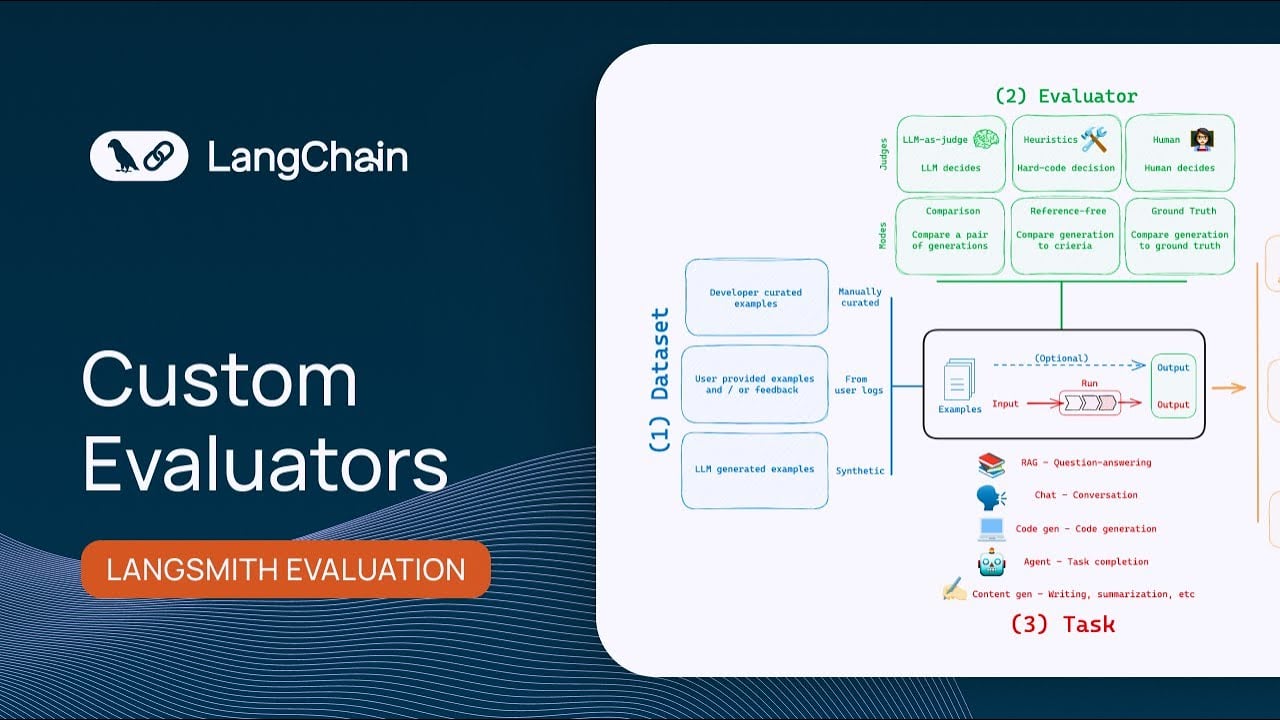
This video shows good patterns for custom evaluators that might help with trace management:
Once you move to LangGraph you’ll have better control over what gets traced. But these workarounds should keep your trace counts reasonable for now.